


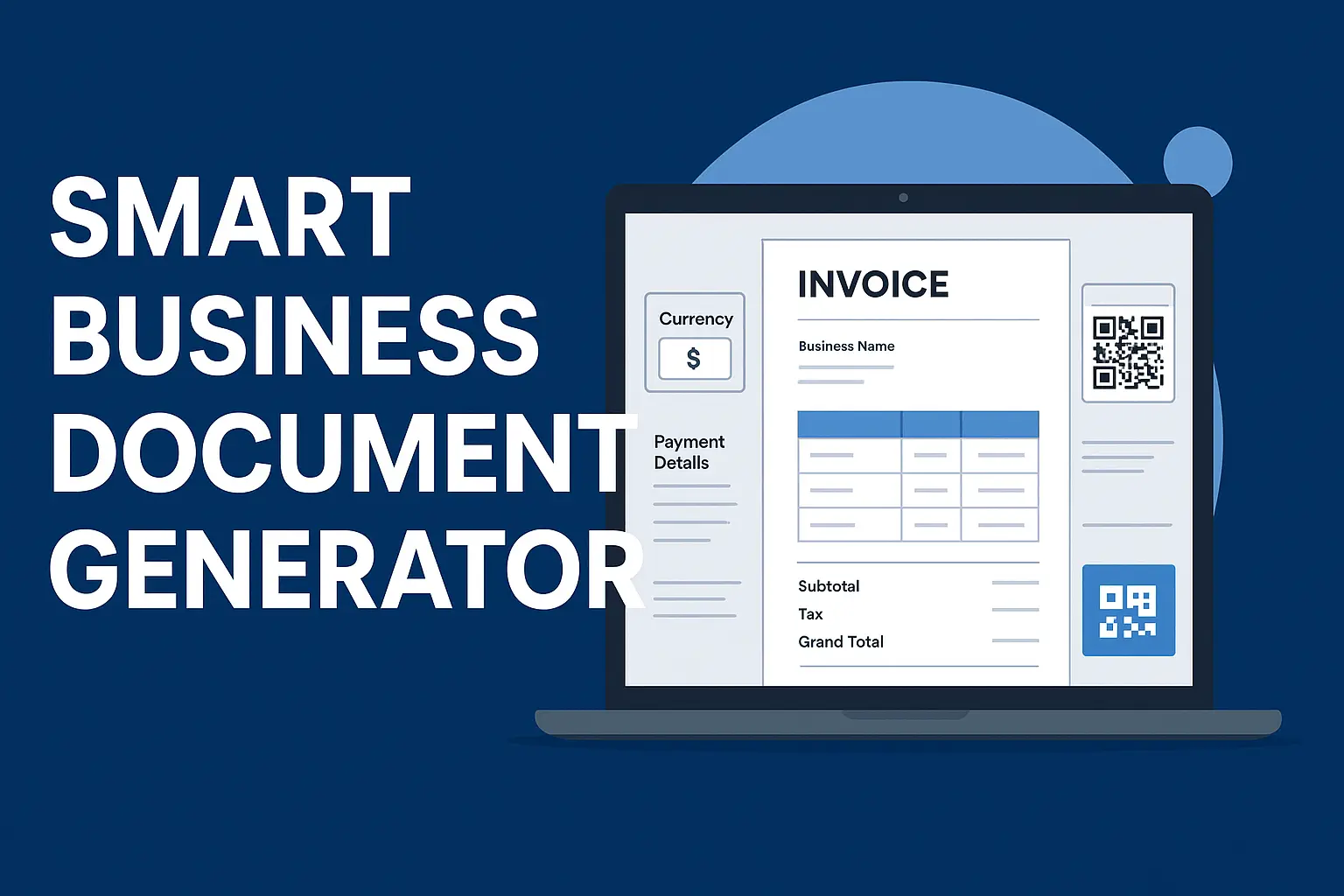

User Guide / Business Documents Generator Tool Details
- Open the Tool: Click the button “📄 Open Business Document Generator” to launch the modal.
- Select Document Type: Choose from invoices, receipts, quotations, delivery notes, purchase orders, and more.
- Enter Business & Client Info: Fill in name, Tax PIN, address, and contact details.
- Add Items: Add multiple items with description, quantity, and unit price.
- Live Calculation: Totals, tax, and balances update automatically.
- Payment Details: Enter paid amount, method, reference, and terms (visible for relevant document types).
- Preview: See an exact live preview of your document.
- Download PDF: Click “Download PDF” — the preview converts into a professional PDF named with a unique business documents number.
- Verify Document: Copy the verification link or scan the QR code to confirm authenticity.
Tip: The modal works on any device and allows scrolling within the document area. Close it anytime by clicking × or outside the modal
You must be logged in to post a comment.