


Mpesa Till numbers and Paybill numbers are Safaricom services used daily by millions to send and receive payments.
If you’ve ever bought groceries, paid school fees, or settled an electricity bill in Kenya, chances are you’ve tapped into M-PESA’s magic—Till Numbers and Paybill Numbers. These codes are everywhere, fueling our daily transactions. But what if you’re the one running a business, a school, or even fundraising for a cause? How do you get your own?
This guide breaks down the processes of applying for an Mpesa Till Number and Mpesa Paybill Number without the jargon. Think of it as your roadmap to joining Kenya’s cashless economy.
Table of Contents

First, What’s the Difference between Mpesa Till and Mpesa Paybill?
Difference Between Till and Paybill
What You Need Before Applying
Safaricom doesn’t just hand these out like sweets—you need paperwork. Here’s your checklist:
📄 Application Requirements
Application Guide for Paybill and Till Number
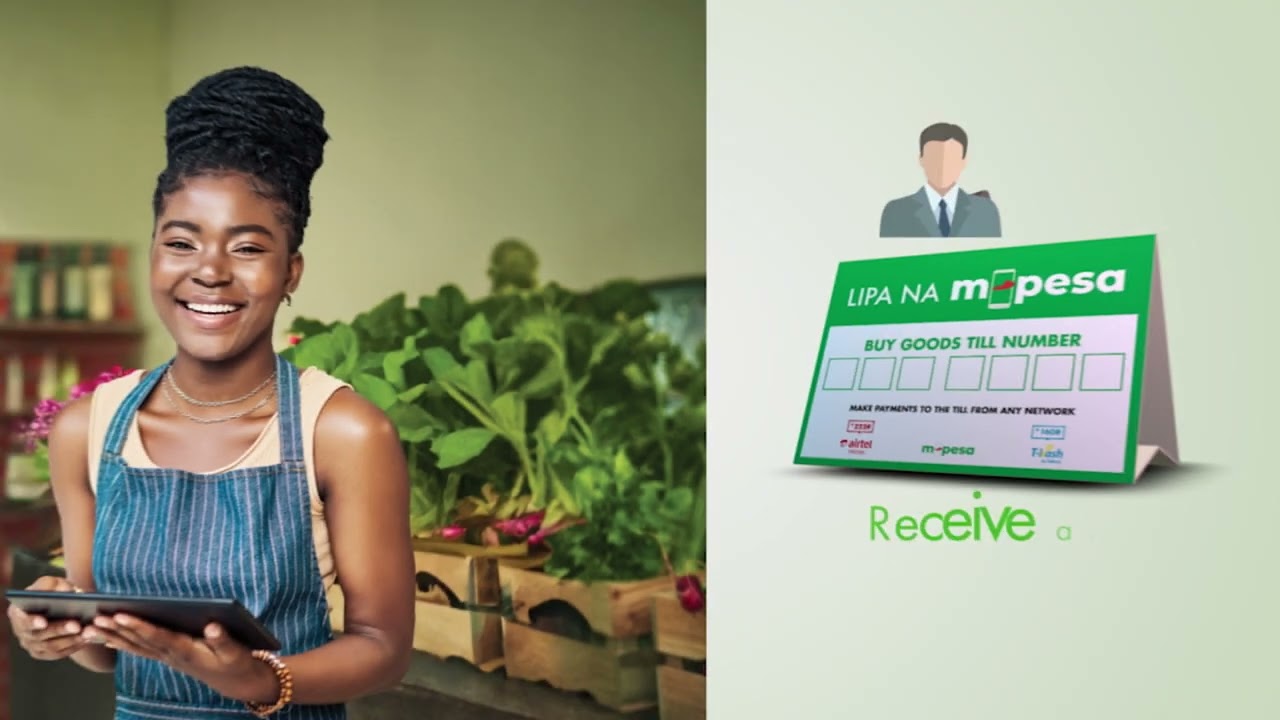
M-PESA Business Numbers Guide
- Head to the M-PESA for Business portal.
- Click Apply Now under “M-PESA Business Till.”
- Choose:
- Individual Till → funds settle in your personal M-PESA
- Business Till → funds settle in your business account
- Fill in your details and upload your ID.
- Submit. You’ll get a confirmation message once it’s in motion.
🔑 Pro Tip: If you’re just starting small (online shop or kibanda), the Individual Till works fine. You can upgrade later.
Final Word
In Kenya’s fast-moving digital economy, having a Till or Paybill isn’t just convenient—it’s essential. It tells your customers you’re legit, keeps your money safer, and gives you a clear record of transactions.
So, whether you’re selling mitumba on Instagram, running a SACCO, or raising funds for a community cause, getting your own M-PESA Till or Paybill is a game-changer.
Create mpesa till and Mpesa Paybill Posters using Our Tools
I’m a web blogger who writes informational articles across various sites and platforms.
- Martin Mbucho

- Martin Mbucho

- Martin Mbucho

- Martin Mbucho




