


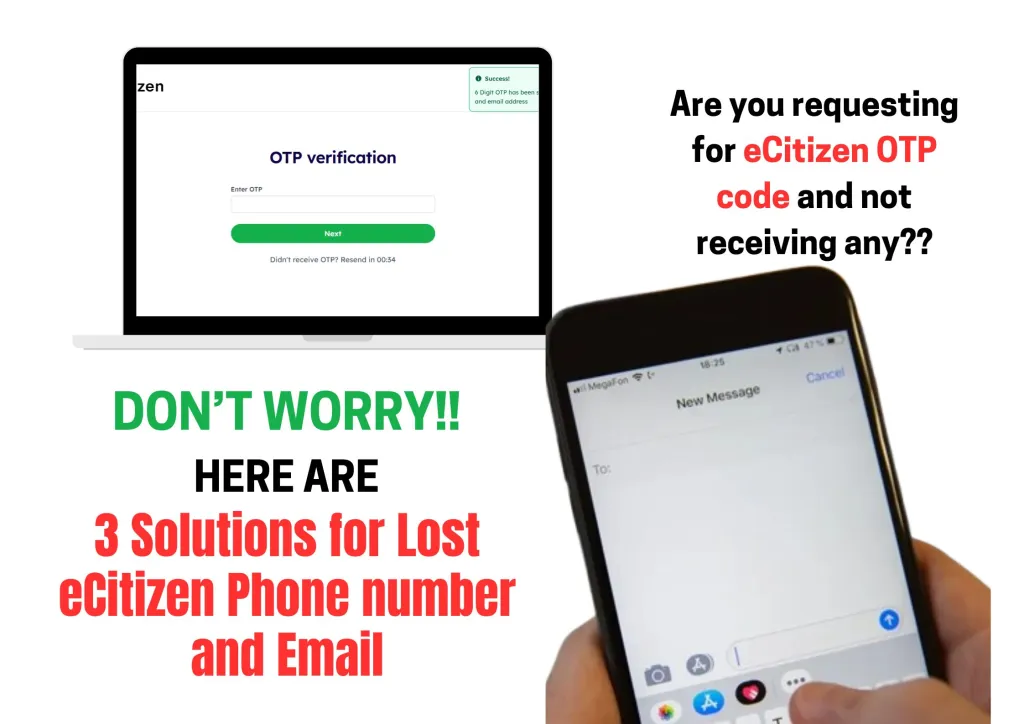
eCitizen contacts (Phone number and email) are required anytime you want to access ecitizen services. Losing access due to a lost phone number or email can be frustrating. Don’t worry—this article offers three simple methods to help you regain access to your eCitizen account.

Table of Contents
How to Recover Access When You’ve Lost Your eCitizen contacts
Email Support
Regain access to your ecitizen account by sending an email to [email protected] asking them to change your contact info. Here’s how to go about it:
- Write an Email: Start by composing an email explaining that you’ve lost access to the phone number and email you used for your eCitizen account. Be sure to include:
- Your full name
- Your new contacts (email or phone or both)
- An attached photo of you national ID or any other registration document.
- Any other information that might help them verify your identity
- Send the Email: Email eCitizen at [email protected]. Give them a little time to get back to you—they should guide you through the process of recovering your account.
Visit Nyayo House
If emailing support doesn’t work or if you just prefer a more hands-on approach, you can head over to Nyayo House in Nairobi. The help desk there can help you update your account details and get your account back up and running.
Here’s what you need to do:
- Head to Nyayo House: Nyayo House is located along Kenyatta Avenue in Nairobi. Go to the help desk on the ground floor or ask at the customer service desk.
- Bring Your ID: Don’t forget to bring a valid ID (like your National ID or Passport).
- Request Help: Explain the situation, and they’ll help you recover your account, even without access to your original phone number or email.
Whatsapp Us to Update Your Ecitizen Contacts
If you’re feeling overwhelmed by the process or simply want a little help, we can assist you! We’ll help you update your eCitizen account details and get you back on track.
Ksh 500
Click to Whatsapp: 0707637143
Conclusion
Losing access to your eCitizen account doesn’t have to be a huge issue. Whether you reach out to eCitizen support via email, visit Nyayo House in person, or contact us to facilitate the process, there are ways to recover your account—even if you don’t have access to your original phone number or email. And if you need any help, don’t hesitate to get in touch with us! We’re here to make the process as smooth as possible.
I’m a web blogger who writes informational articles across various sites and platforms.
- Martin Mbucho

- Martin Mbucho

- Martin Mbucho

- Martin Mbucho




