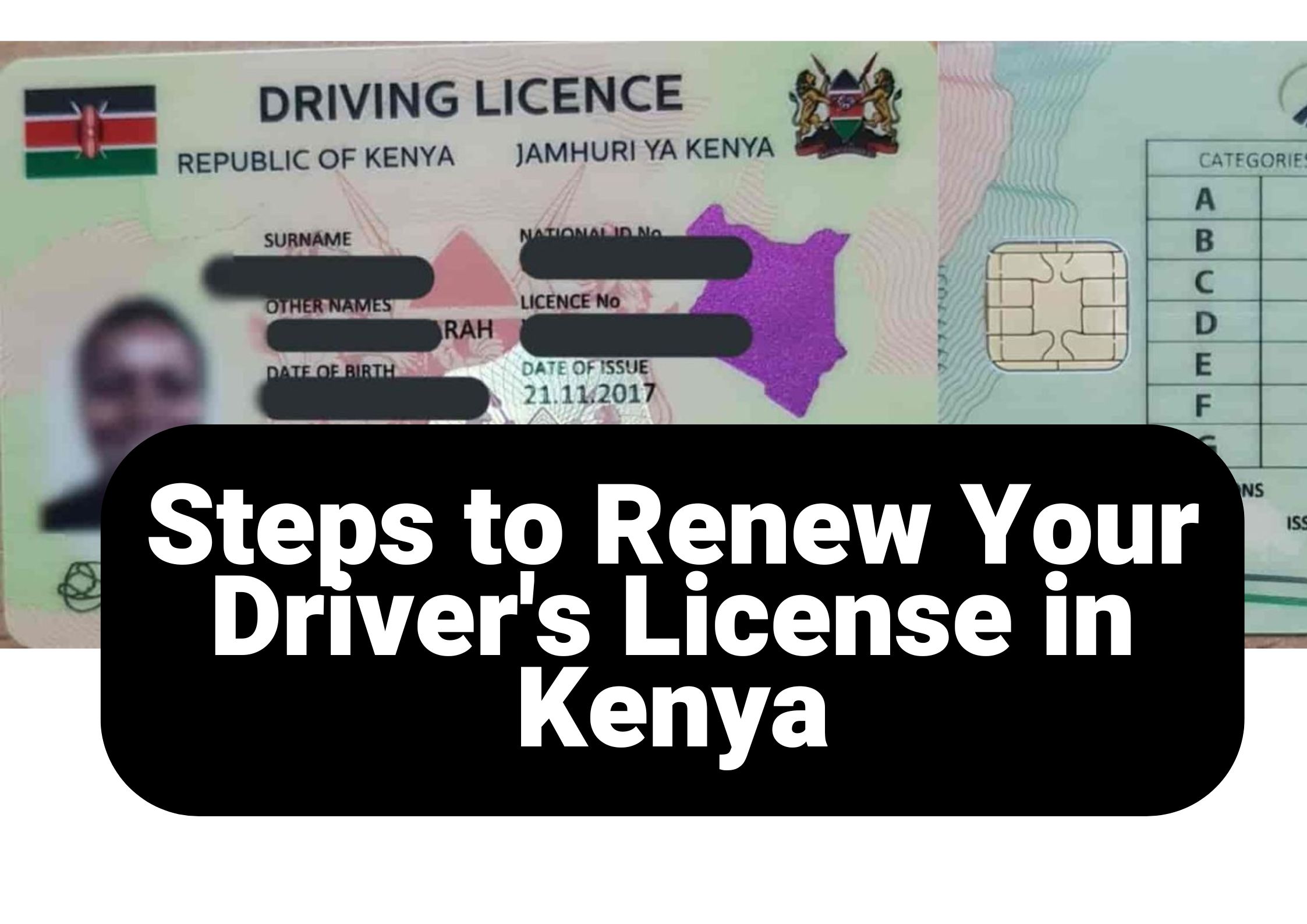
Renewing your driving license is an essential duty for every motorist, ensuring adherence to traffic regulations and maintaining legal permission to drive. In Kenya, the National Transport and Safety Authority (NTSA) has simplified this process via the eCitizen platform, enhancing both accessibility and efficiency.
To assist you to renew driving license, this guide offers a 7 step process overview, requirements, and key tips for a smooth experience.
Table of Contents
Why Renew Driving License?
- To maintain legal compliance and avoid penalties.
- To ensure your license reflects updated personal details.
- To gain access to the new smart driving license with enhanced security features.
- To avoid disruptions in vehicle insurance claims.
Requirements to Renew Driving License
Before starting the renewal process, ensure you have the following:
- A valid Kenyan national ID card.
- An active eCitizen account.
- Access to a mobile payment platform (e.g., M-Pesa).
- Sufficient funds for the renewal fee.
- A stable internet connection.
How to Renew Driving License
- Visit eCitizen.
- Log in using your ID number and password.
- If you do not have an account, register by following the on-screen instructions.
- Once logged in, navigate to the National Transport and Safety Authority (NTSA) portal.
- Select the Driving License Renewal option from the list of services.
-
Select your driving license type:
- Red Book (1 Year): Ksh 600 + Ksh 50 convenience fee
- Smart DL (3 Years): Ksh 3,000 + Ksh 50 convenience fee
- Confirm your selection and proceed.
Note: To obtain a Smart Driving License, schedule an appointment and visit a Huduma Center or NTSA office for biometric processing. If renewing an old driving license (red book), ensure you upload your passport photo in JPG format.
- Review your personal information, including your name, ID number, and license details.
- Make any necessary updates if the system allows.
- Upload a passport photo in JPG or JPEG format, then proceed.
- Proceed to payment and select your preferred method (e.g., M-Pesa, debit/credit card).
- Follow the prompts to complete the payment securely.
- Save the payment confirmation message or receipt.
- After successful payment, download your digital driving license renewal slip.
- Print a physical copy and keep a digital version for reference.
If you’re transitioning to the smart driving license:
- Book an appointment through the NTSA portal.
- Visit your chosen NTSA office with your ID and payment confirmation.
- Provide biometric data (fingerprints and passport-sized photo).
- Wait for a notification to collect your smart driving license.
Common Issues and Troubleshooting Tips
- Forgotten Password: Use the password reset option on eCitizen.
- Payment Errors: Double-check the paybill details and transaction reference.
- Expired License: Renew before expiry to avoid fines.
Benefits of the Smart Driving License
- Embedded microchip for enhanced security.
- Digital record of driving offenses and penalties.
- Convenient renewal process.
- Compatibility with modern traffic enforcement systems.
Final Tips for a Smooth Renewal Process
- Renew your license well before the expiry date.
- Ensure your eCitizen account is active and accessible.
- Keep a backup of your payment confirmation and renewal slip.
- Verify all details before submission.
By following these detailed steps and tips, you can easily renew your driving license in Kenya and stay compliant with the law. Safe driving!

About The Author
Leave a Reply
You must be logged in to post a comment.